The app receives and transmits slow-scan television. Open it with Tools → SSTV: the window decodes what comes off the air and keeps the session’s images listed beside it, and transmissions go out through the radio’s PTT like any other mode.
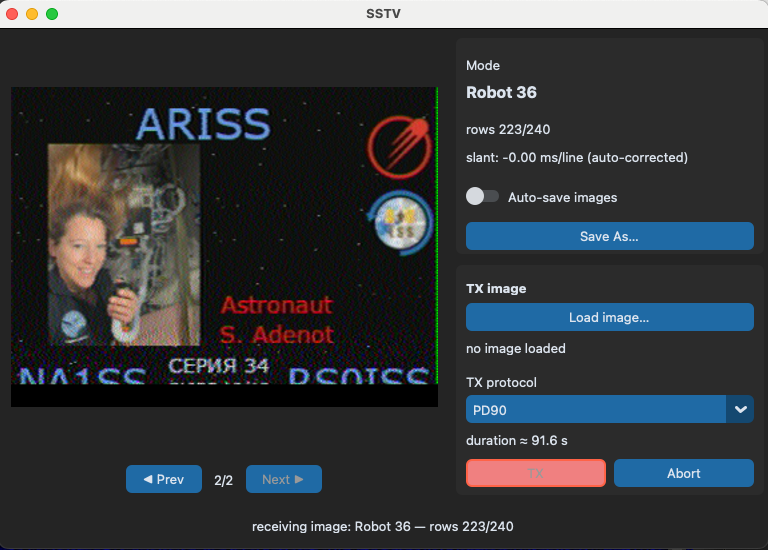
Receive
All the common modes decode — Robot, Martin, Scottie, Wraase, PD and Pasokon — with automatic slant correction. The images keep a history for the session, and any frame can be played back and examined again.
Transmit
All 19 modes are available to transmit through the radio’s PTT: pick a mode, load an image and send.
Timing
Ongoing SSTV and APRS transmissions are paced by the radio’s own audio clock rather than the computer’s. Device clock drift can no longer drop chunks mid-frame, so long modes such as Pasokon go out as one clean key-up.
Noisy Captures
Decodes hold up on difficult audio. A recording played into the app decodes exactly as if it had been received live — including 8 kHz WebSDR captures — so audio captured elsewhere is fair game.