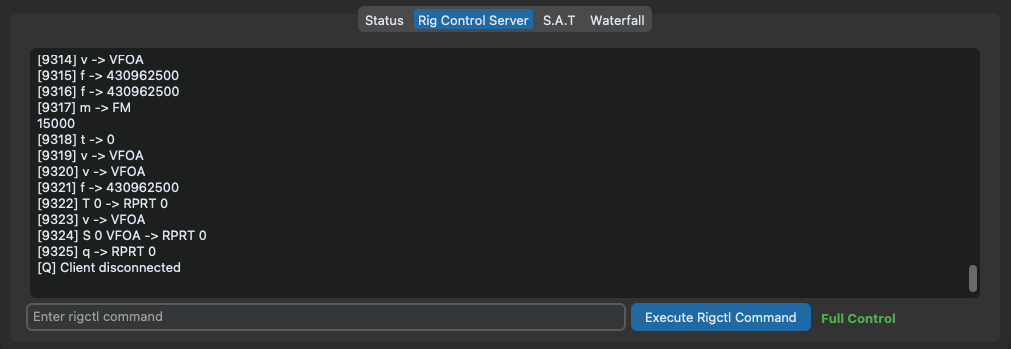
The Software has a in-built Rigctld server allowing remote programs like Gpredict to control doppler frequency shift.
When the Engage button is pressed the radio will move into satellite mode and start tracking automatically.
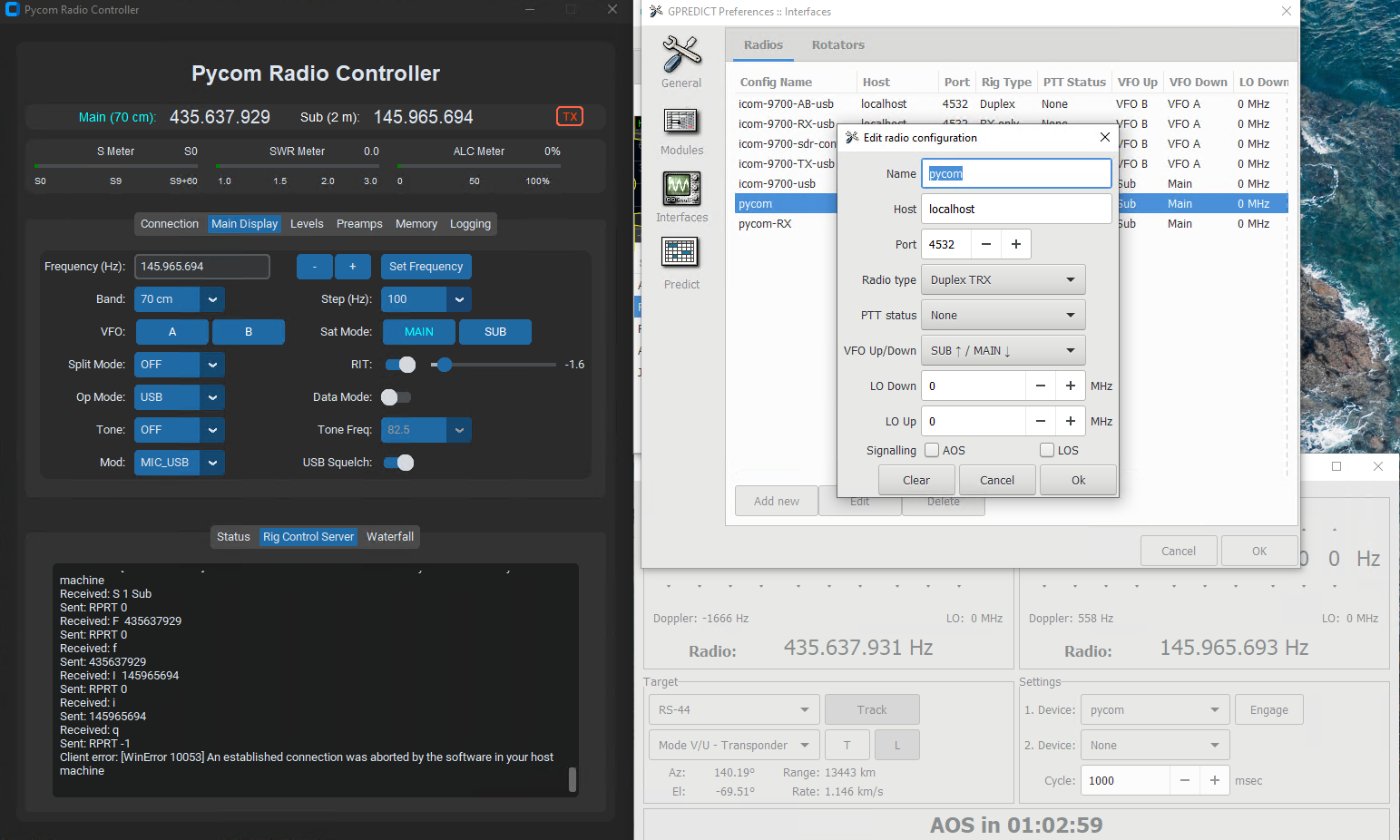
Single Transceiver Operation
If you are using a satellite that has only a downlink such as ISS SSTV imaging, then you should set up a second radio within Gpredict for RX only, rather than full duplex. Please refer to the screenshots supplied here.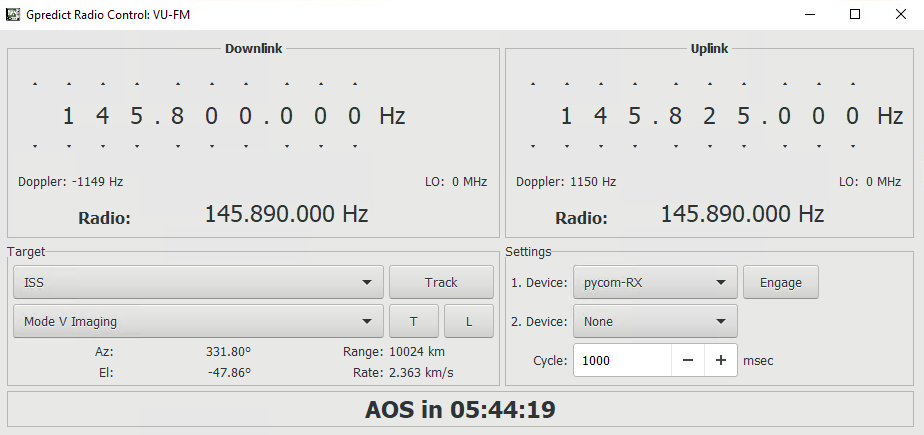
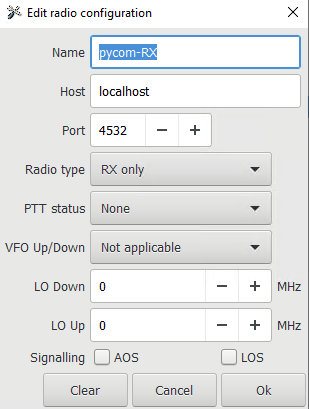
Configuration
The default listen port is 4532. You can change the rigctld listen port if required.
It is possible to execute rigctl commands directly through Pycom, enter a valid command and press the Execute Rigctl Command button. To the right of the button, you can see if the Rigctld server is in PTT & Read Only or Full Control mode. Setting the server to PTT & Read Only mode, via the configuration screen, allows you to control Doppler shift via the S.A.T but still use WSJT-X for generating digital signals, for example.