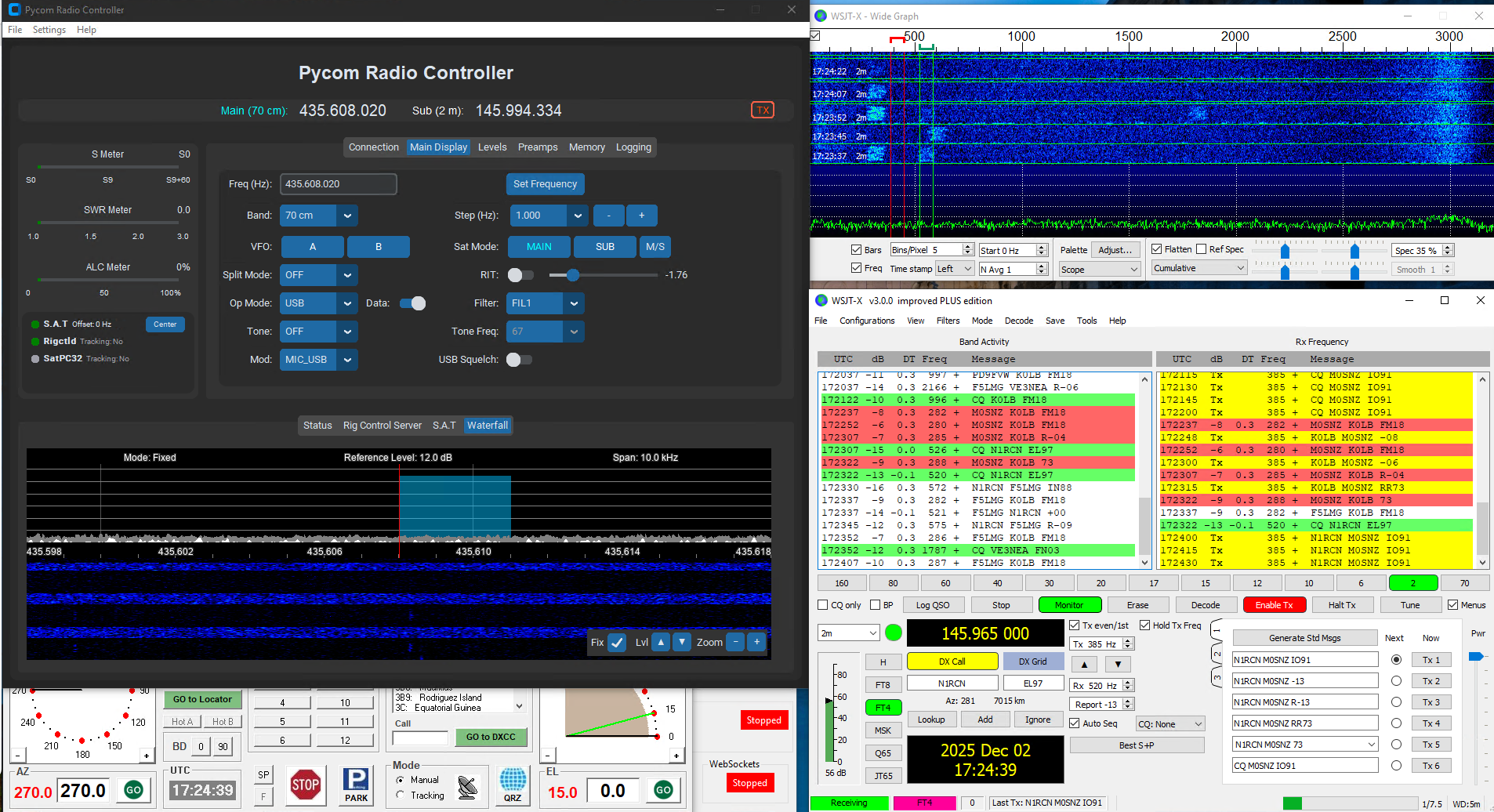
There is WSJT-X support for data modes like FT8 and WSPR via the Hamlib Rigctld server.
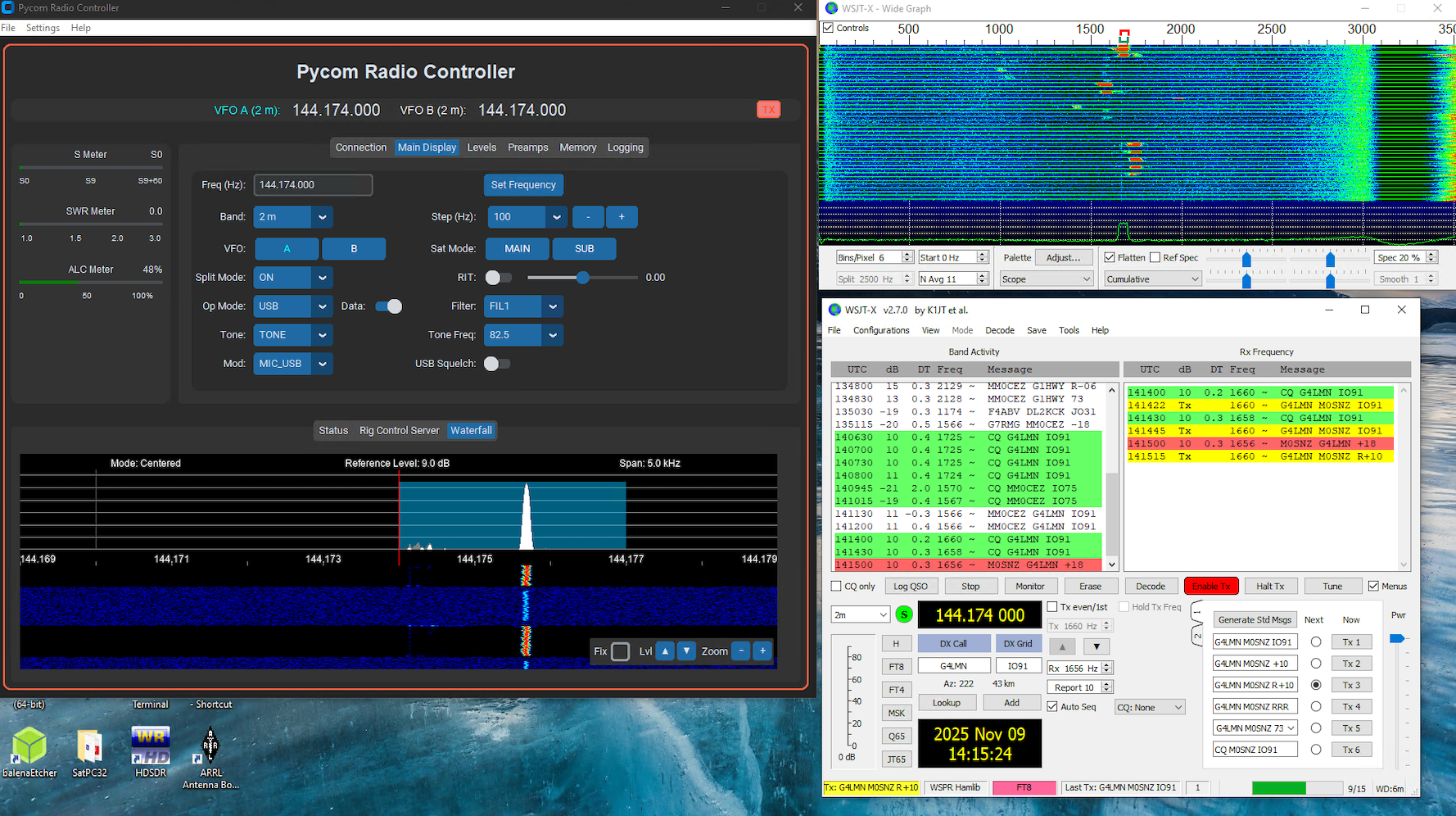
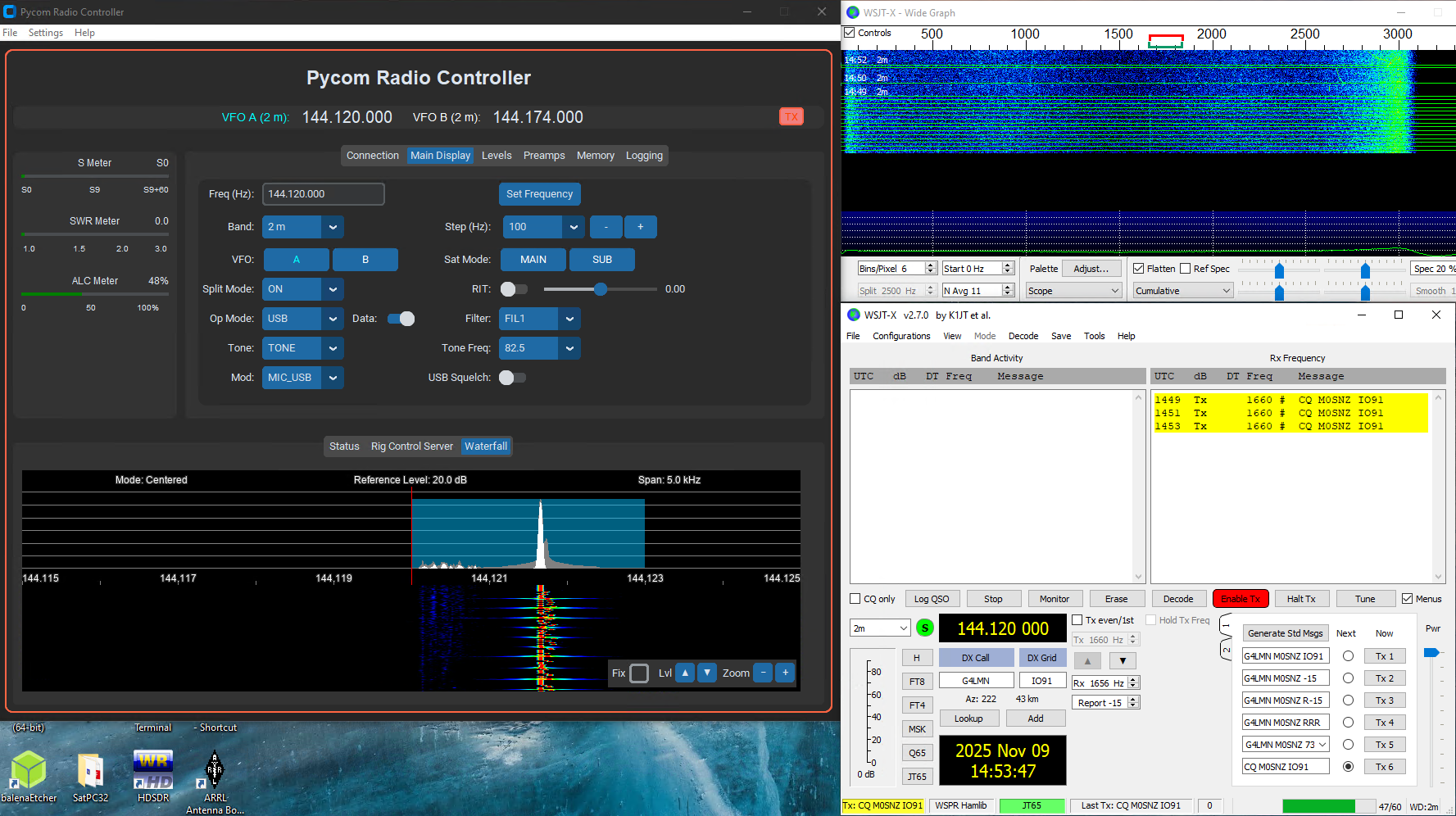
When the band is selected and the appropriate mode button is pressed WSJT-X will configure the radio and monitor automatically.
Configuration
The default listen port is 4532. You can change the WSJT-X listen port if required.
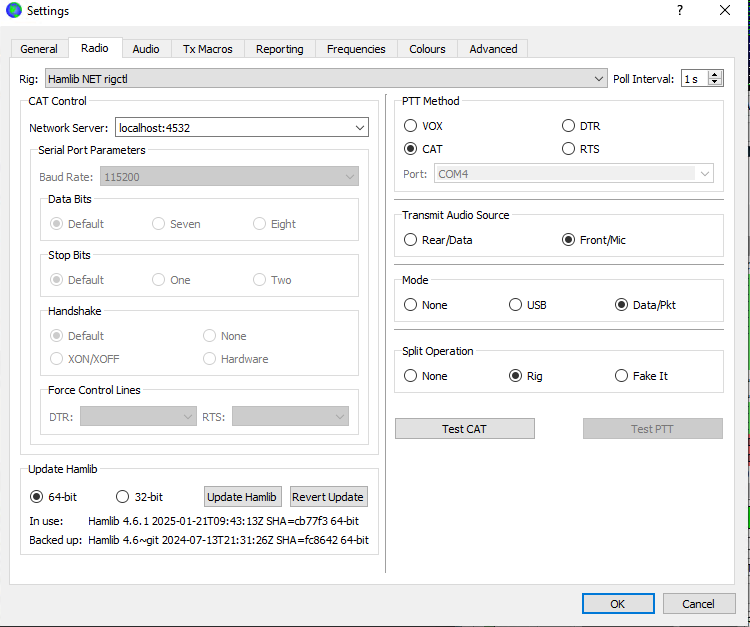
The screenshot shows the WSJT-X radio settings. Audio uses the same USB Audio CODEC speakers and microphone that are installed with the USB drivers. Both the input and output can be set to Mono.
- Rig: Hamlib NET rigctl
- Network Server: localhost:4532
- PTT Method: CAT
- Transmit Audio Source: Front/Mic
- Mode: Data/Pkt
- Split Operation: Rig
Configuration when using via Satellite with Doppler Control Enabled
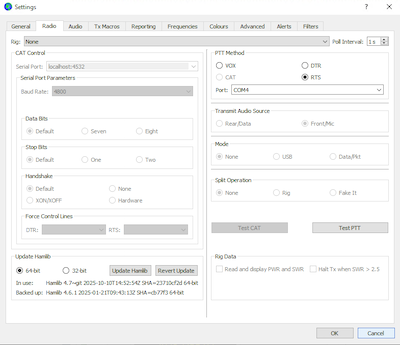
When using WSJT-X with doppler enabled configuration is slightly different. Turn off CAT control by setting the rig to None and setup the PTT via the second COM port coming from the radio. In my case, this is COM4. The following additional settings need to be applied on the radio to enable PTT in this way. Alternatively, you can use the Rigctld PTT & Read Only mode.
- SET > Connectors > USB Send/Keying > USB SEND = USB (B) RTS
- SET > Connectors > USB Send/Keying > Inhibit Timer at USB Connection = OFF