Because I am not a certified Apple or Microsoft developer in order to run the application, you will need to override the default OS security when you first run the application.
Windows
Click on the 'More info' link and then the 'Run anyway' button


MacOS
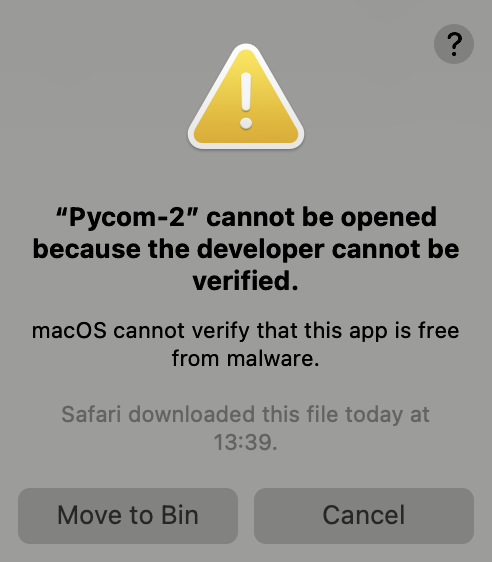
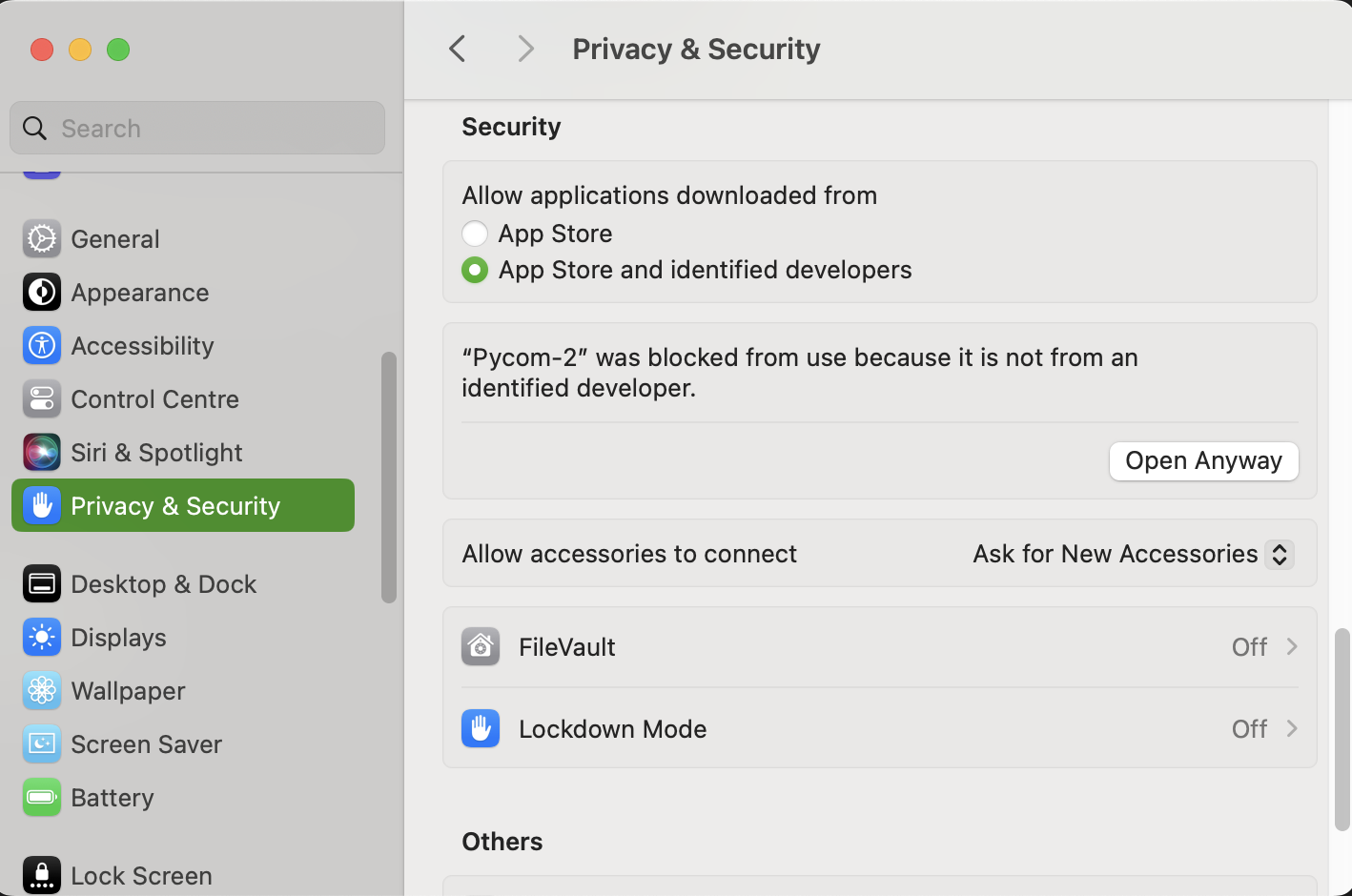
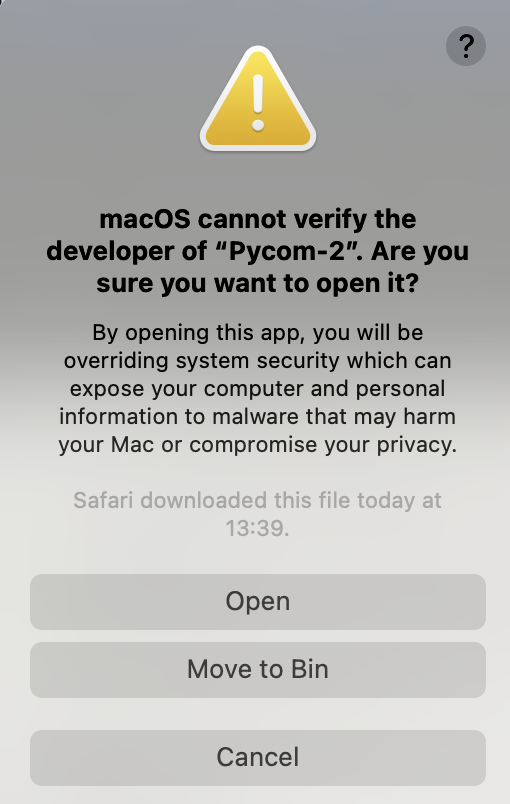
Click on the 'Cancel' button; then Open System Settings and go to 'Privacy and Security'; click on the 'Open Anyway' button for the Pycom application; enter your password when requested and then finally, click on the 'Open' button